How to Change Hostname for Reference Purpose in SolusVM?
Друк- 0
1. Login to your SolusVM Control Panel.
2. If you have multiple VPS, select the appropriate one.
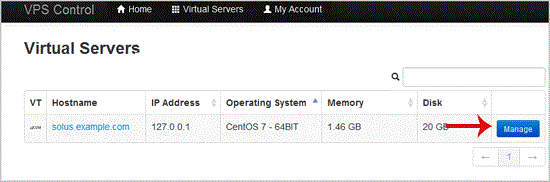
3. Scroll down, and under the "Hostname" tab, rnter your hostname in text box under "New Hostname" and click on "Change".

. Reboot is not required because the hostname is only changed for reference purposes.
Some example hostnames:
server1.example.com
hostingserver.example.com